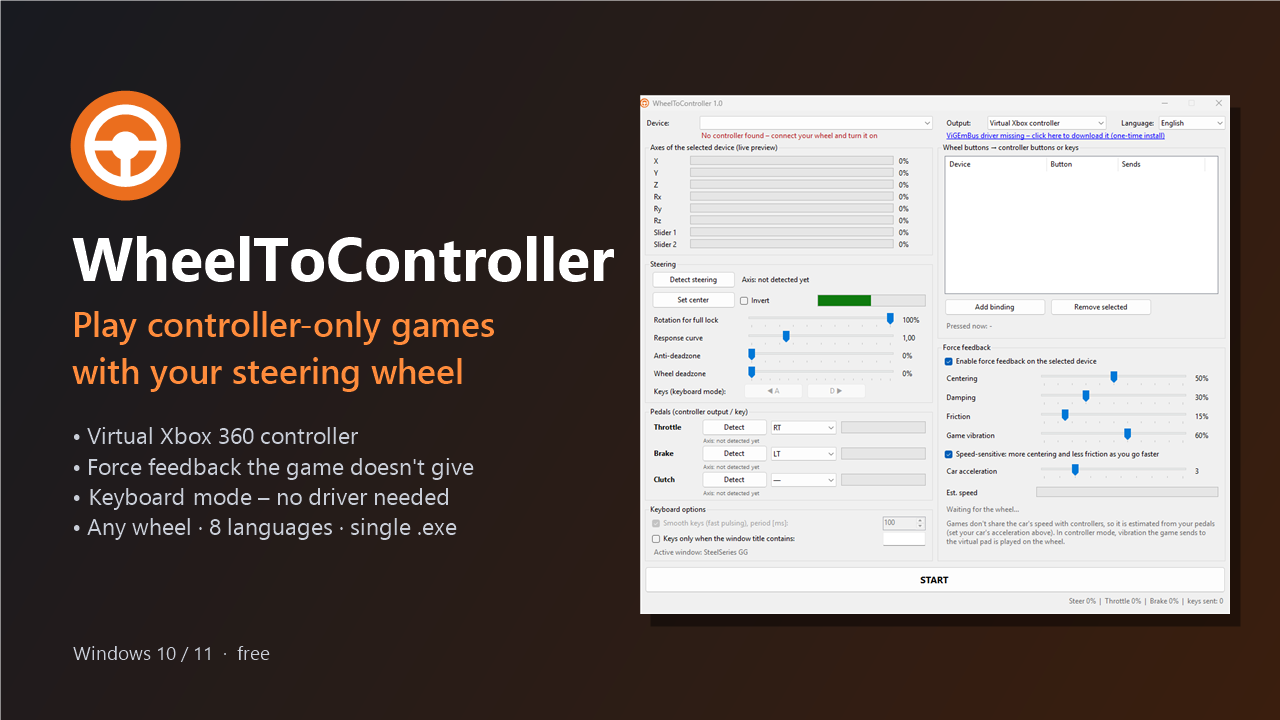
Got a steering wheel, but your favorite game only supports a gamepad? WheelToController makes the game think your wheel is an controller – with fully analog steering, throttle and brake.
It even adds force feedback that the game itself doesn't provide. One small .exe, no installation.
!!!If Windows blocks this file, don't worry, Windows Defender blocks every .exe file for security reasons, but it's just a proven proprietary program!!!
✨ Features
- 🎡 Any wheel – Logitech, Thrustmaster, Fanatec, Moza, PXN, Hori and others. Separate pedals and shifters work too.
- 🎮 Virtual Xbox controller – steering → left stick, throttle → RT, brake → LT.
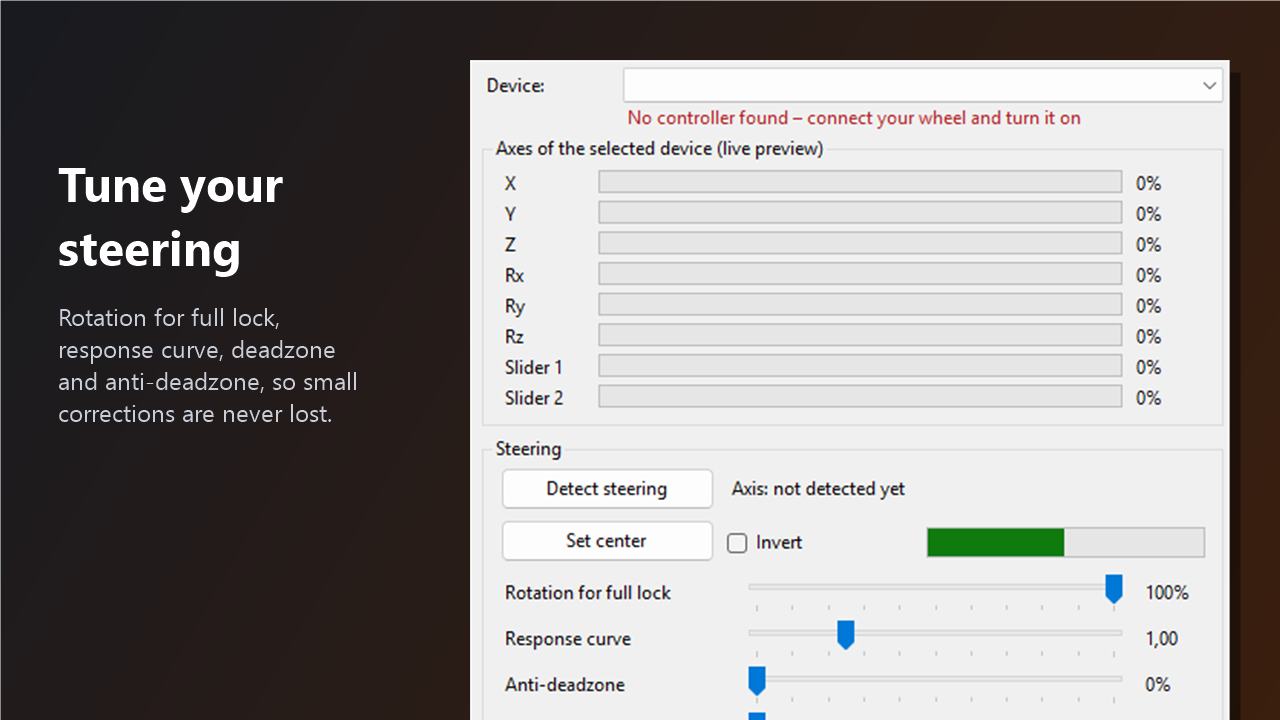
- 🎯 Steering tuning – rotation for full lock, response curve, deadzone and anti-deadzone.
- 🔘 Wheel buttons → pad buttons or keys – any button or D-pad direction.
- ⌨️ Keyboard mode – for keyboard-only games, no driver needed.
- 💥 Force feedback – centering, damping and friction that change with speed, plus game vibration on your wheel.
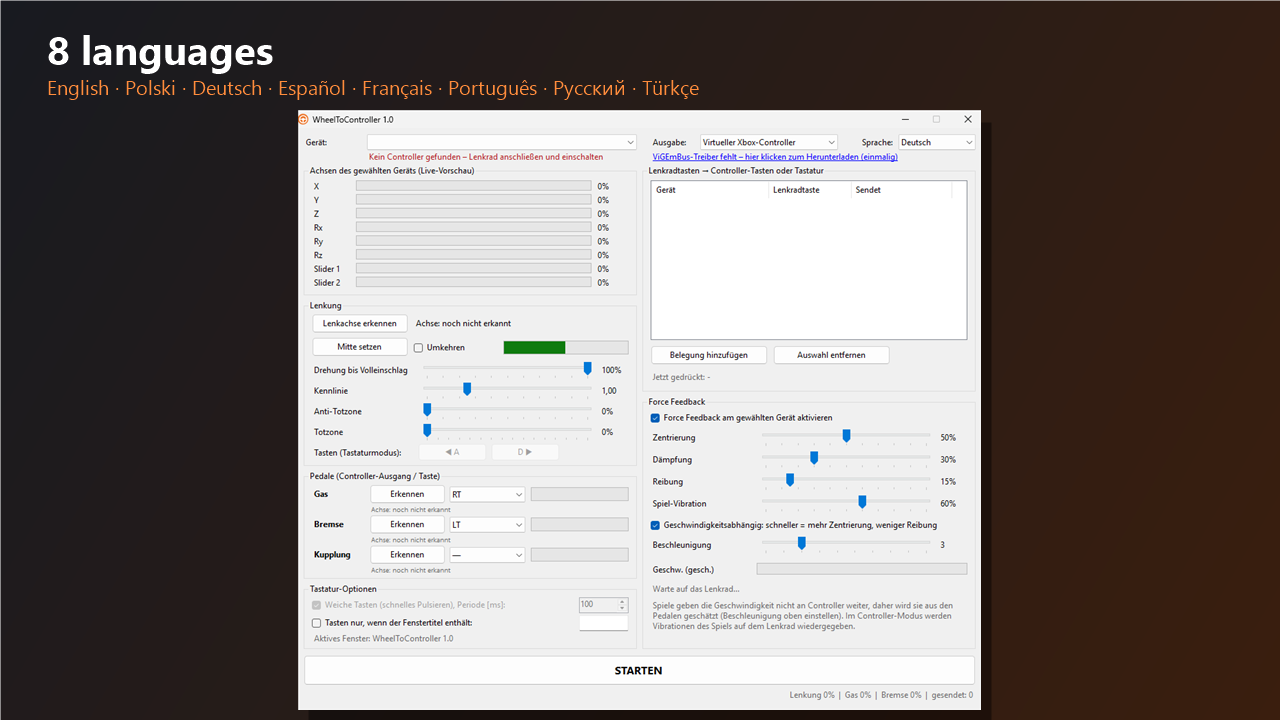
- 🌍 8 languages – EN · PL · DE · ES · FR · PT · RU · TR
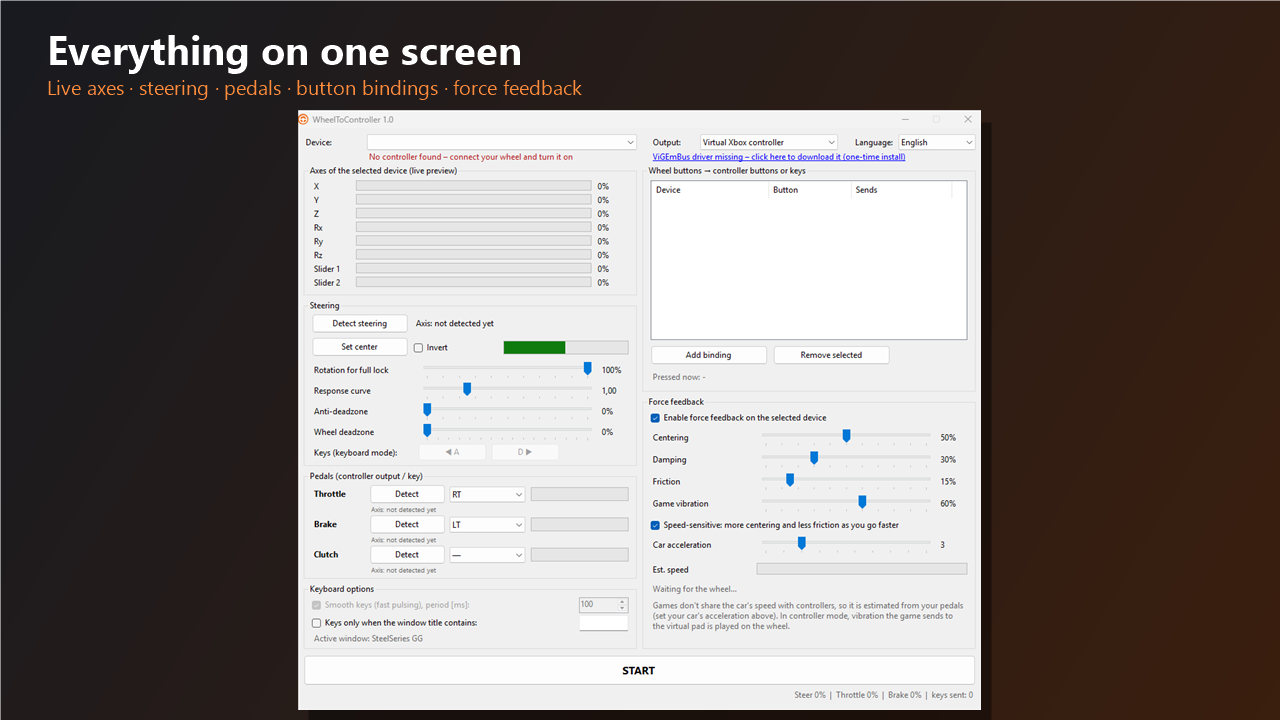
🖼️ Everything on one screen
🚀 Getting started
- Connect your wheel and run
WheelToController.exe. - Choose your wheel in Device – the bars should move when you turn and press the pedals.
- Steering: keep the wheel straight, click Detect steering, then turn it right and hold.
- Pedals: click Detect next to each pedal and press it fully for 4 seconds.
- Optional: Add binding for wheel buttons (A, B, Start, D-pad…).
- Click START, then launch the game.
💡 Tip: car steers too slowly? Lower Rotation for full lock. Small turns do nothing? Raise Anti-deadzone until the car just starts to react.
💻 Requirements
- Windows 10 or 11
- For controller mode: the free ViGEmBus driver (one-time install) – download it here. The app shows the link if it's missing.
- Keyboard mode needs no driver.
❓ Good to know
- The game sees both the wheel and the virtual pad? Most pad-only games ignore the wheel. If yours reacts to both, hide the wheel with the free HidHide tool and allow
WheelToController.exein it. - Force feedback is simulated because most games don't share driving data with controllers. Speed is estimated from your pedals – that's why you can set your car's acceleration.
- Keyboard mode sends keys to the active window. Use Keys only when the window title contains to avoid typing into other windows.
- Settings live in
%APPDATA%\WheelToController\settings.ini. For a portable setup, create an emptyWheelToController.ininext to the exe. - SmartScreen may warn about an unknown app – click More info → Run anyway.
- The app checks SpotPlace for a newer version at start-up (nothing about you is sent) and works fully offline.
🐛 Reporting issues
Found a bug or your wheel doesn't work? Use the Report bugs button on this page and tell me your wheel model and the game.
 Available for Windows
 Get it on SpotPlace
WheelToController v1.0.0 · not affiliated with Microsoft, Xbox, Nefarius or any wheel or game maker. ViGEmBus is a separate free product by Nefarius Software Solutions.